Most businesses want to run seasonal referral campaigns without exposing the offer to everyone on their website. The solution is simple: create a hidden landing page in WordPress that only people with the private link can access.
Whether you’re offering a holiday discount, a referral bonus for previous customers, or a time-limited coupon, WordPress gives you multiple ways to build and hide a page without needing complex plugins.
This guide breaks down the smartest ways to do it, why each matters, and how to pick the right approach for your campaign.
3 Reliable Ways to Create a Hidden Landing Page in WordPress
Below are three non-fluff, practical methods ranked from easiest, most secure.
1. The Obscured URL Method (Least Effort, Good Enough for Most Campaigns)
This approach works if you want fast setup without technical steps.
How it works
- Create a normal WordPress page
- Give it a random slug like:
yourdomain.com/holiday-referral-9f3a2b - Set the page to noindex
- Do not add the page to any menu
- Shorten it using Bitly or Pretty Links
Pros
- Fastest setup
- No code
- Perfect for simple coupons
Cons
- Not 100% secure
- If someone shares the link publicly, others can access it
2. Token-Protected URL (The Best Balance of Simplicity + Security)
This is the smartest method for referral campaigns.
The landing page only loads when the correct secret key is added to the URL.
Example:
yourdomain.com/holiday-page?key=HOLIDAY-2025-abc123
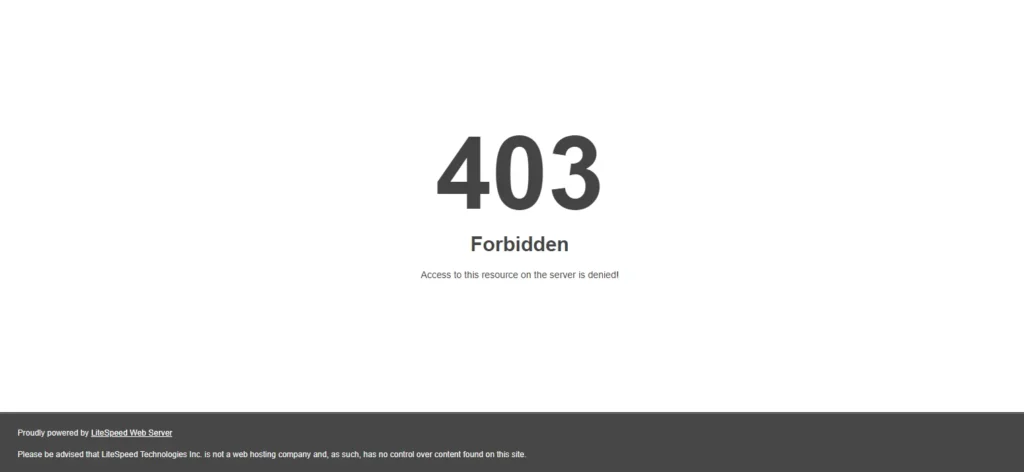
If the token is missing or wrong, user sees a 404 page.
Why this is powerful
- Customers only see the offer if they click your private link
- Your team can rotate tokens anytime
- The coupon stays truly private
- No password typing required
Add This Code to functions.php
(This is clean, safe, and works instantly.)
You can change the slug and key to anything you want.
Pros
- Private link only
- Higher security
- Perfect for holiday coupons & referral bonuses
Cons
- Requires adding a snippet to your theme
3. Password Protected Page (Simple but Clunky UX)
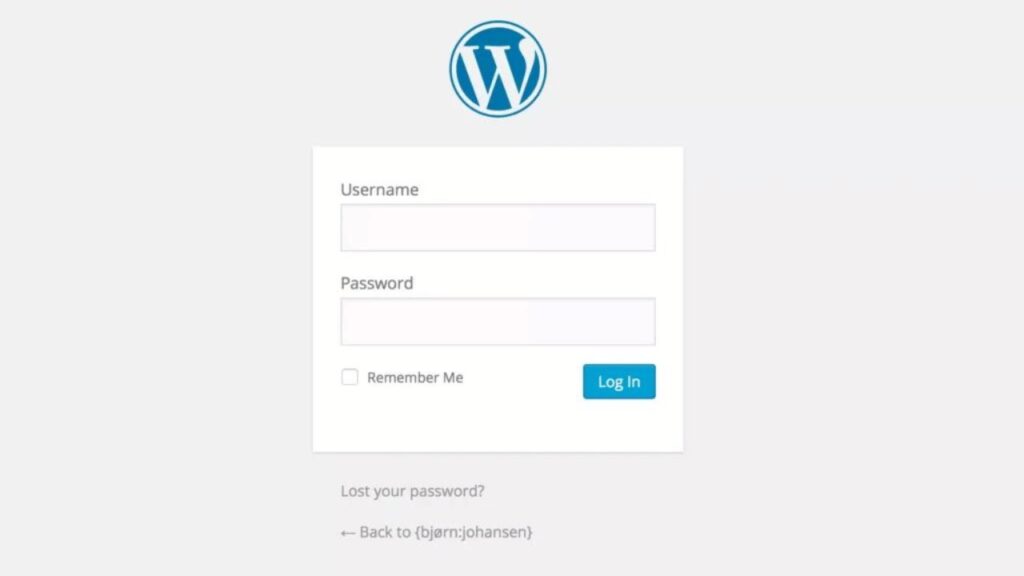
WordPress allows you to set any page to “Password Protected.”
How it works
- Edit page
- Visibility → Password Protect
- Share the password with your customers
Pros
- No plugins
- Very easy
Cons
- Requires users to enter a password manually
- Not ideal for high-conversion landing pages
Subscribe to Our Blog with your email (Is it too much too ask?);

Which Method Should You Use?
Here’s the breakdown:
| Goal | Best Option |
|---|---|
| Fast, simple coupon delivery | Obscured URL |
| Holiday offers for previous customers only | Token-Protected URL |
| Maximum privacy | Token-Protected URL |
| Don’t want coding | Password Protected |
For referral coupons (your use case), the Token-Protected Method wins.
How to Design the Landing Page (Copy You Can Use)
Use this structure:
1. Headline
“Exclusive Holiday Referral Bonus for Our Customers”
2. Subtext
“This page is private. Please do not share publicly.”
3. Offer
- Give your friend this code
- They receive a discount
- You get a referral credit
4. CTA Button
“Redeem Now Before December 31”
5. Trust Note
“Thank you for being a loyal customer. This offer was created exclusively for you.”
You can design this in Gutenberg or Elementor both work perfectly.
How to Keep the Page Invisible to Google?
Make sure:
- The page is set to noindex
- It’s removed from the sitemap
- It’s not added to menus
- You don’t link to it from your public pages
If using Yoast or RankMath, it’s a one-click setting.
Tracking the Results (optional but smart)
Use Pretty Links
- Create a short link
- Track clicks
- Rotate tokens anytime
Add UTM Tags
Example:?utm_source=referral&utm_campaign=holiday2025
You’ll see exactly who clicked and from where.
What Is a Hidden Landing Page?
A hidden landing page is a normal WordPress page, but:
- It does not appear in your website menus
- It is not indexed by Google
- It is only accessible through a direct link (tiny link, Pretty Link, Bitly, etc.)
- Some versions can even be locked behind a secret token
This makes it perfect for private offers meant only for specific customers.
Why You Should Use a Hidden Landing Page for Coupons
Most businesses make the same mistake: they publicly add coupons and discount pages, which:
- Reduces perceived value
- Gets shared outside your target audience
- Damages pricing power
With a hidden landing page, you keep full control of:
- Who sees the offer
- How long the offer lives
- How your brand is perceived
This is especially powerful during holiday referral campaigns.
So,
A hidden landing page in WordPress is one of the simplest ways to run:
- Seasonal campaigns
- Referral bonuses
- Private pricing
- Loyalty rewards
And the beauty is:
You control exactly who sees it.
WordPress makes this easy, and the token method gives you the perfect mix of privacy, security, and smooth customer experience.
If you want, I can prepare a plug-and-play page template, set up the token protection, and create the tracking link for you just tell me the slug + coupon name.